The default way most people use ChatGPT or Claude is: type a question, read the answer, move on. Which is fine. But it’s leaving most of the value on the table.
There’s a different mode — less “search engine replacement,” more “thinking partner” — that takes a small adjustment in how you frame prompts and a bigger adjustment in how you engage with what comes back. It’s the mode where AI actually makes you sharper, not just faster.
The difference between getting an answer and doing thinking
When you ask “what are the pros and cons of X,” you get a list. The list is probably fine. But you didn’t do any thinking — the model did, and you consumed the output passively. Your own understanding of X hasn’t deepened, and you didn’t discover anything about your own assumptions.

Compare that to: “I’m leaning toward X because of Y. What am I probably wrong about?” Now the model is stress-testing your position instead of handing you a neutral summary. You have to engage with the pushback rather than skim a bullet list. That’s actually different cognitively, and the difference shows up in what you retain and what you decide.
The prompt shift is small. The difference in output quality — and in how much you actually learn — is not.
Four prompting moves that turn AI into a thinking partner
1. State your current position first
Before asking the model anything, write out what you actually think. Even one sentence. “My current take is X” forces you to have a position before you see what the model says — which means you’ll notice when you genuinely disagree with it, rather than just deferring to whatever it produces.
Models are good at interrogating a stated position. They’re worse at generating the most useful response when there’s no position to interrogate — the output defaults to the safest, most generic take on the topic.
2. Ask it to argue against you specifically
“What’s the strongest case against the view I just described?” is a better prompt than “what are the downsides of X?” The first one targets your actual reasoning. The second gets a generic list that may not overlap much with your specific blind spots.
Claude is decent at this — it’ll often surface an angle you genuinely hadn’t considered rather than just repeating the obvious objections. Not always, but enough of the time that it’s worth building into how you work through hard decisions.
3. Make it slow down, not speed up
One underused instruction: “Don’t give me your conclusion yet — just list the considerations I should be thinking about.” This sounds counterintuitive given that the whole appeal of AI is fast answers. But if you’re working through something genuinely complex — a career decision, a product direction, a project plan — getting a premature conclusion primes you to anchor on it. A richer map of the problem space is more useful than a fast answer to a question you haven’t fully formed yet.
You can always ask for the conclusion afterward. You can’t un-anchor once you’ve read one.
4. Use it to find the question you should be asking
“I’m trying to decide between A and B. Before I ask you to compare them, what question am I probably not asking that I should be?” This is useful when you’re early in thinking through something, because the framing of the choice is often the problem rather than the options within it.
This doesn’t always work — sometimes the model just rephrases your question back at you. But when it works, it’s the fastest way to reframe a stuck problem.
What this is not
It’s not a replacement for people you can actually argue with. A model will push back, but it won’t push back the way someone who genuinely disagrees with you does — with ego, stakes, and their own experience behind it. That texture is different and harder to replicate.
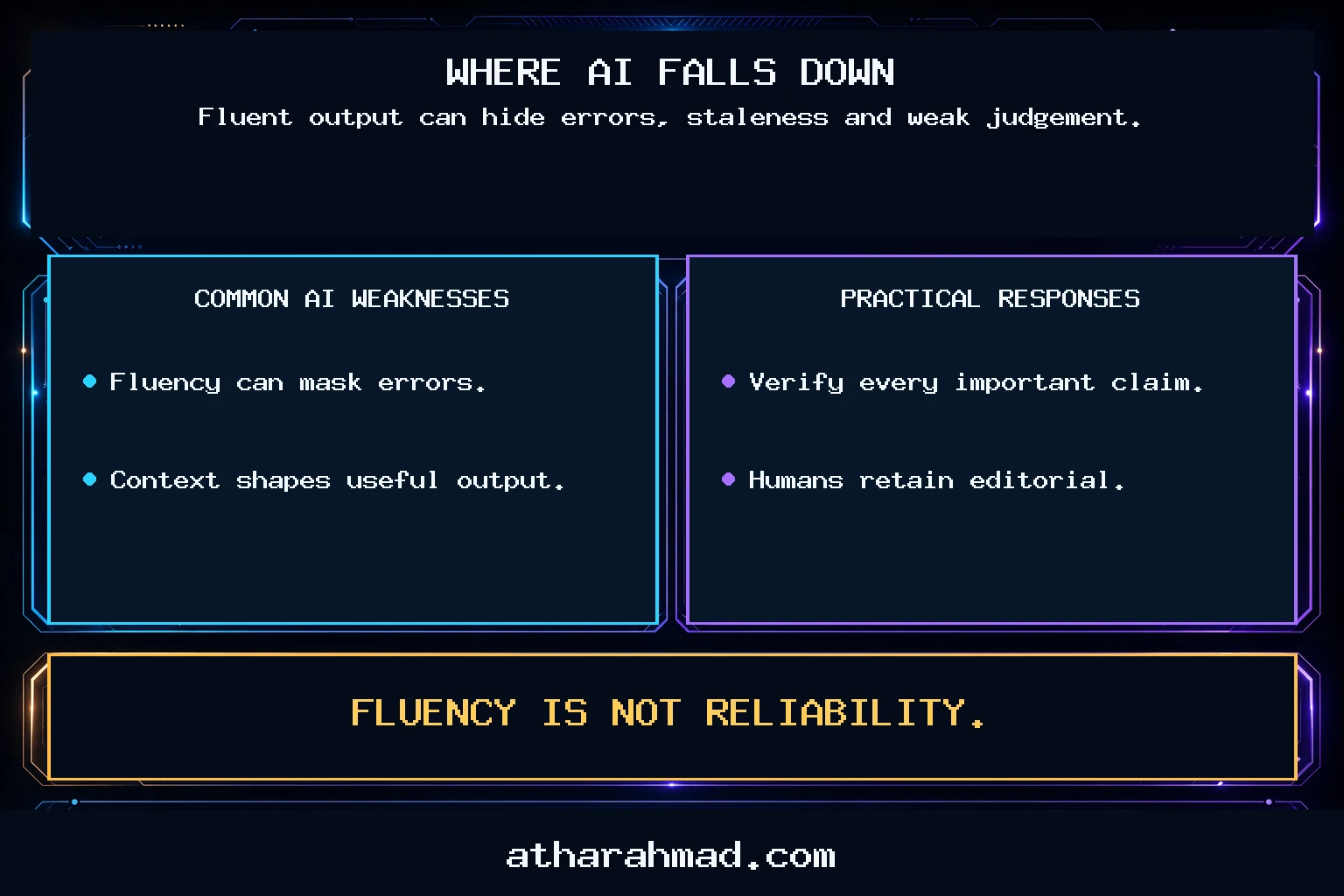
It’s also not reliable for things that require real domain depth. If you’re thinking through a legal question or a medical decision, AI can help you structure the problem — but the model’s knowledge has limits it won’t always signal. Use it to sharpen your questions before talking to an expert, not to replace the expert.
And this mode takes more effort than just asking for an answer. If you’re in a hurry, you’ll revert to “give me the answer” mode. That’s fine. But for anything where the quality of your thinking actually matters — a decision you’ll live with, a piece of writing you want to be genuinely good, a plan with real consequences — the extra friction pays off.
A concrete example of how this plays out
Say you’re deciding whether to start a side project. The lazy version: “What are the pros and cons of starting a side project?” You get a generic list. You already knew most of it.
The thinking-partner version: “I’m considering building X as a side project. My main reason is Y. I’m worried about Z but I keep talking myself out of that concern. What am I rationalizing, and what’s the actual question I should answer before I start?”
That prompt exposes your reasoning, flags a concern you’ve been dismissing, and asks for a reframe rather than a list. The output will be more specific to your actual situation, and you’ll have to engage with it rather than skim it. The result isn’t guaranteed to be right, but it’s more likely to surface something useful than a generic answer to a generic question.
One habit worth building
After any significant AI conversation where you were working through something, write two sentences in your own words: what you concluded, and what you’re still uncertain about. Not because the AI told you to — just as a forcing function to make sure you did the thinking rather than outsourcing it entirely.
The model can do a lot of the legwork. The conclusions should still be yours.