
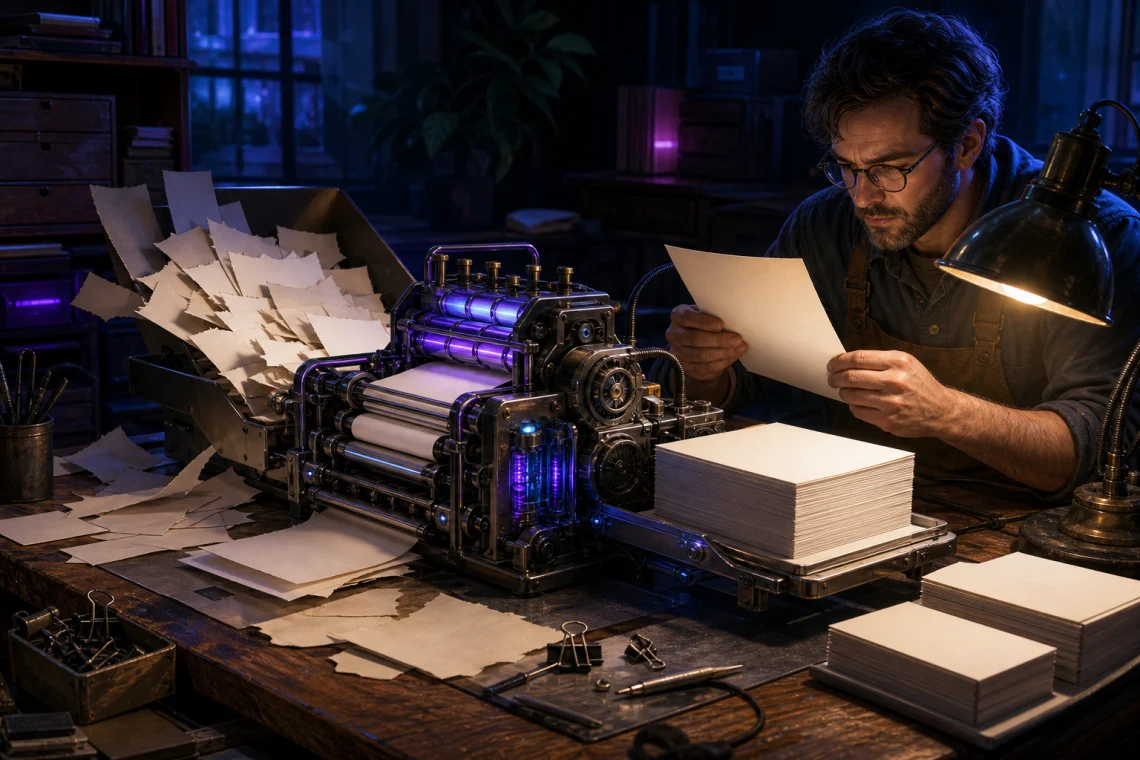
The most underused AI workflow isn’t generating something from nothing — it’s feeding your own messy, half-formed notes into a model and getting something structured back out. Not a summary of a Wikipedia article. Your actual thinking, from your actual notes, made usable.
Most tutorials skip this because it’s harder to demo. You can’t show someone else’s notes. But it’s the use case that holds up best in real, repeated use, and it’s almost always faster than starting from scratch.
Why notes specifically?
When you ask an AI to write something from scratch, you’re letting it fill in the specifics. That’s fine for certain tasks. But for anything where the specifics matter — a summary you’ll actually send, a report your boss will read, an outline for a talk you’re giving — generic fill-in doesn’t cut it. The output sounds right but says nothing you actually meant to say.

Your notes have the real content. The problem is they’re usually a mess: bullet points out of order, shorthand only you understand, half-sentences next to fully-formed paragraphs, timestamps and stray questions mixed in. The model’s job in this workflow isn’t to invent anything — it’s to impose structure on material you’ve already generated. That’s a much more constrained task, and models are genuinely good at it.
What this actually looks like in practice
Say you’ve been keeping rough notes on a project you’ll eventually have to write up, present, or even just explain in an email. Your notes might look like this:
- Main problem: API response times inconsistent under load
- Tried rate limiting — helped a bit but not root cause
- Turns out the DB query wasn’t indexed — Jake spotted this
- Fix: added index on user_id + created_at, times dropped ~80%
- Need to document this, probably also add a query timeout as a fallback
- Next: check if same issue exists on the events table
Hand that to Claude or ChatGPT with a clear instruction — “Turn these notes into a concise incident summary for a non-technical stakeholder” — and you get a coherent paragraph that doesn’t invent anything beyond what you gave it. No hallucinated details, because there’s no gap to fill. The raw material is all there.
Change the instruction to “turn this into a short technical postmortem with a root cause section and action items” and you get a different shape, same factual content. That flexibility — same notes, different output formats on demand — is where this workflow actually saves time.
The prompt structure that works
Keep it simple. Tell it what the notes are from, what you want out the other end, and who the output is for. That last one matters more than people expect — “for a technical audience” and “for a client email” produce meaningfully different outputs from the exact same notes.
A prompt that works well:
“Here are my rough notes from [context]. Turn them into [output type] for [audience]. Preserve the specifics — don’t generalize or add anything I haven’t mentioned. If something is unclear in my notes, flag it rather than guessing.”
That last sentence is the one most people leave out. Without it, the model will guess at ambiguous sections and you won’t notice until you read the output carefully — or until someone else does. Telling it to flag uncertainty instead of paper over it gives you something you can actually trust.
Where this breaks down
A few failure modes worth knowing before you rely on this for anything important.
If your notes are too sparse, the model will fill gaps whether you told it not to or not. A single bullet that says “investigate caching” gives it almost nothing to work with — you’ll get back something vague and generic. The workflow works because your notes have real content. If they don’t, that’s a notes problem, not an AI problem.
Longer notes — anything over a few thousand words — start to hit real attention issues. The model tends to weight the first and last sections more heavily and compress things from the middle. If the notes are long, break them into sections and process them in chunks with consistent instructions rather than dumping everything at once.
And this doesn’t work well for notes heavy with domain-specific jargon the model hasn’t encountered much of. “API rate limiting” is fine. Highly specialized shorthand from a niche field will come back sounding plausible but possibly meaning something different from what your notes meant.
A few variations worth trying
Meeting notes into action items with owners — probably the single highest-ROI version of this. Rough jottings in, clean action list with names attached out.
Research notes into a draft outline — if you’ve been gathering material for a piece of writing, dump your notes and ask for an outline with suggested section headers. You keep control of the argument; you just skip the blank-page problem.
Voice memos into written notes — record yourself talking through a problem, get the transcript (most phones handle this natively now, or use Whisper), then paste it with an instruction to clean it up and pull out the key points. Rough but fast, and better than the alternative of never writing it up at all.
Personal journal entries into a weekly summary — less professional, but genuinely useful if you track what you’re working on. A month of short entries can surface a clear picture of where your time actually went versus where you thought it went.
One honest caveat
The output is only as trustworthy as your notes. If something in the final output looks wrong, the first place to check is whether your notes actually said what you thought they said. In this workflow the model usually isn’t inventing errors — it’s faithfully reflecting a confusion that was already in your source material. That’s useful information, but it means you still have to read the output rather than assume it’s correct because the notes came from you.
Find the notes sitting on your desktop that you’ve been meaning to write up for two weeks and run them through once with a clear output instruction. The time you save won’t be in the generation — it’ll be in the rewrite, because you’ll be editing something that already has your actual content in it instead of filling in a generic draft with specifics you have to dig up separately.




